Your website is one of the most important business assets you own. It runs around the clock, represents your brand to every potential customer, and often serves as the first place people go to decide whether to trust you. So what happens when it gets hacked, goes down, or becomes slow and outdated?
For most business owners, the answer is panic, lost revenue, and an expensive emergency call to a developer. The good news is that the vast majority of website security issues are entirely preventable with the right maintenance routine.
WordPress powers over 40% of all websites on the internet, which makes it the most targeted platform for cyberattacks. But it is also the most supported, with a robust ecosystem of security tools and best practices. The key is knowing what to do and doing it consistently.
Why WordPress Sites Get Hacked (And It Is Usually Preventable)
Most WordPress security breaches are not sophisticated. They are opportunistic. Automated bots scan the web for sites running outdated software, using weak passwords, or with unpatched vulnerabilities. When they find one, they exploit it, often within hours of a vulnerability being made public.
The most common entry points for attackers include:
- Outdated WordPress core, theme, or plugin versions
- Weak or reused admin passwords
- Nulled or pirated themes and plugins with embedded malicious code
- Shared hosting environments with poor account isolation
- No two-factor authentication on administrator accounts
None of these requires a sophisticated hacker. They require a business owner who got busy and skipped maintenance. That is exactly why a consistent website security and maintenance routine is not optional.
Essential WordPress Website Security Steps
1. Keep Everything Updated
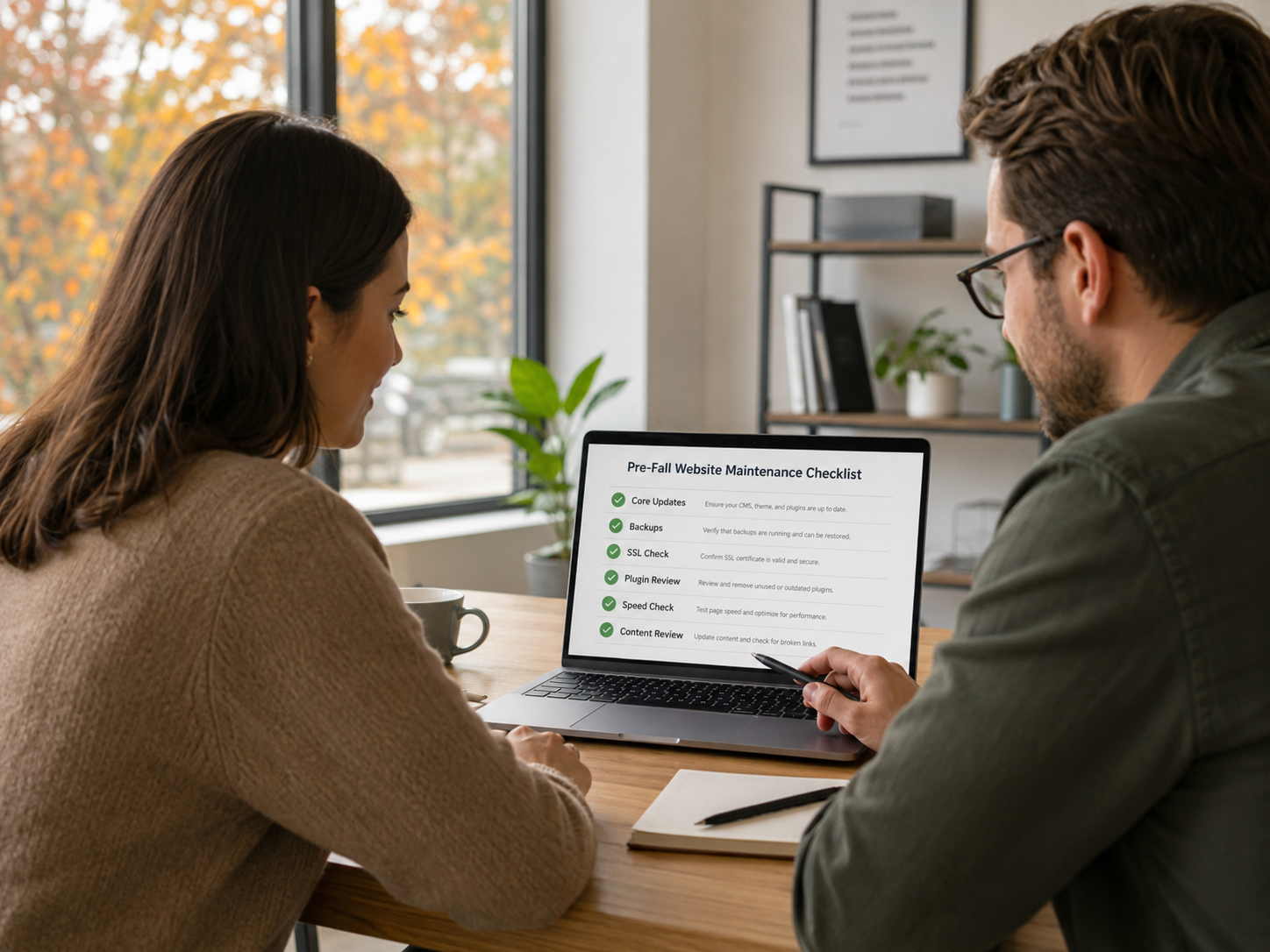
WordPress releases regular updates for its core software, and every theme and plugin you have installed follows the same cycle. Each update typically includes security patches alongside new features. Running outdated software is the single most common reason business websites get compromised. Make updating a scheduled task, not a reaction.
2. Use Strong, Unique Passwords and Two-Factor Authentication
Your WordPress admin password should be long, complex, and used nowhere else. Enable two-factor authentication for all admin users so that, even if a password is compromised, the attacker cannot access the account without a second verification step. This single change eliminates a significant portion of the risk from brute-force attacks.
3. Install a Reputable Security Plugin
Security plugins like Wordfence or Solid Security provide firewall protection, login attempt monitoring, malware scanning, and real-time threat blocking. They act as a 24-hour security guard for your site, alerting you to suspicious activity before it becomes a serious problem.
4. Back Up Your Website Regularly
Backups are your last line of defense. If something goes wrong, a recent backup means the difference between a ten-minute recovery and a complete rebuild. Automate daily or weekly backups to an off-site location. Your hosting provider may offer backup services, but do not rely on them alone. Maintain your own independent backup copies.
5. Use HTTPS and a Valid SSL Certificate
If your website still shows a “Not Secure” warning in the browser, that is an immediate credibility problem. An SSL certificate encrypts the connection between your site and your visitors, protecting any data they submit. It also directly affects your Google search rankings. Every business website needs a valid, current SSL certificate.
Ongoing Maintenance Is Not Optional; It Is Infrastructure
Security is not a one-time setup. It is an ongoing discipline. A website that was secure six months ago may not be secure today because new vulnerabilities are constantly discovered and exploited. Ongoing maintenance means regularly reviewing your site for:
- Performance issues and slow page load speeds
- Broken links and outdated content that damage your SEO
- Compatibility issues between updated plugins and your theme
- Mobile responsiveness as new devices and screen sizes emerge
- Hosting and domain renewals, which, if missed, can take your site completely offline
For most small business owners, this is where a managed website maintenance plan makes the most sense. Your time is better spent running your business.
Frequently Asked Questions About WordPress Security
How do I know if my WordPress site has been hacked?
Signs include: sudden drops in traffic, Google marking your site as dangerous, unfamiliar admin accounts, spam pages appearing in your sitemap, or your site redirecting visitors to other websites. A security scan through a plugin like Wordfence can confirm or rule out an infection.
How often should I update my WordPress plugins and themes?
As soon as updates are available, especially for security-related patches. At a minimum, review and apply updates weekly. Automating non-critical updates is an option, but security patches should be applied immediately.
Can my website affect my customers if it gets hacked?
Yes. A compromised site can be used to serve malware to your visitors, steal submitted form data, or redirect customers to malicious websites. Beyond the technical damage, the reputational impact can be significant and lasting. This is why prevention is always the better investment.
Is WordPress safe to use for a business website?
Absolutely, when it is properly configured and maintained. WordPress itself is actively maintained by a large community of developers. The risk comes from neglect, not from the platform. With the right security practices in place, WordPress is a robust, reliable foundation for any business website.
Your Website Deserves the Same Protection as Any Other Business Asset
You would not leave your office unlocked overnight or skip maintenance on a company vehicle. Your website deserves the same level of attention. WordPress website security and maintenance is not a technical nicety. It is a business necessity, and the cost of doing it right is a fraction of what it costs to recover from a breach.
At Vision Fillers, our website maintenance plans are built to keep your site secure, fast, and performing at its best every single day. Reach out to our team to learn how we can take website security and maintenance completely off your plate.